Console Guide: Agent Console
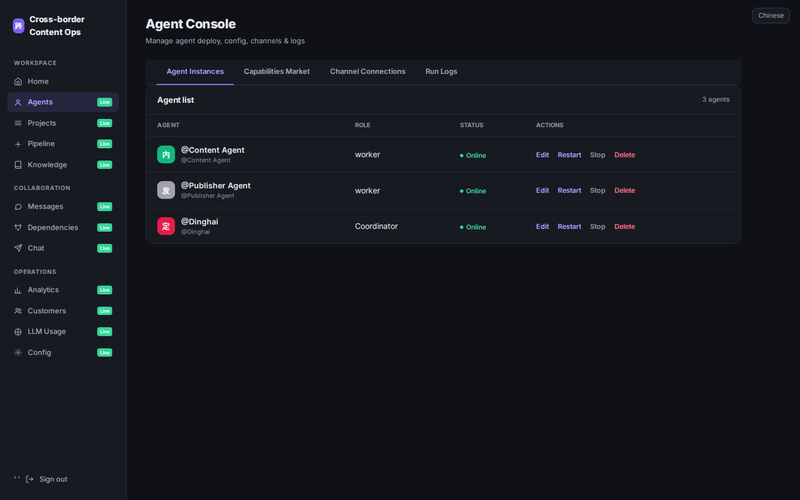
The Agent Console is the heart of the platform — manage deployment, configuration, channel connections, and run logs for all AI agent instances.
Key Features
- Agent instance management: start/stop/restart/delete with live status
- Capabilities Market: Skills & MCP catalog, one-click attach
- Channel connections: enterprise messaging bot configuration
- Run logs: real-time agent execution records
Getting Started
Open the Operations Console, sign in, and navigate to Agent Console from the left sidebar. Core actions are reachable within three clicks.
Part of the Vibe Lingan Console Guide series. ← Back to Blog